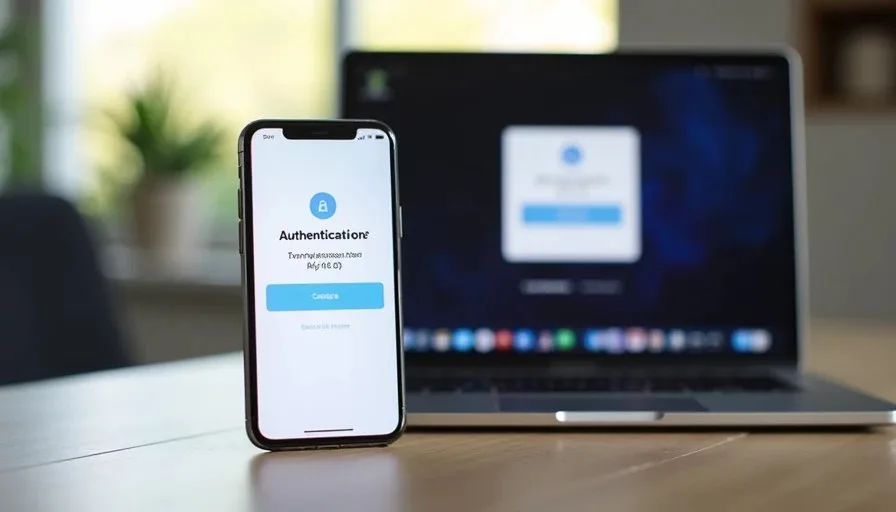
Two-factor authentication is one of the most effective steps a household can take to protect important accounts, yet it is also one of the most commonly misunderstood. In plain terms, two-factor authentication means that signing in requires two different kinds of proof: something you know (the password) and something you have (a code from a phone, an app, or a hardware key). Understanding what two-factor authentication does—and what it does not do—helps families use it confidently without creating new ways to get locked out.
I have walked many people through the setup process after they experienced a close call or simply decided their primary email and financial accounts deserved better protection. The questions are almost always the same: Does this mean my account is now safe? What happens if I lose my phone? Why do some sites still feel vulnerable? The answers are practical rather than absolute, and they start with a clear picture of the protection that is actually being added.
What Two-Factor Authentication Actually Protects
The main thing two-factor authentication protects against is the use of a stolen or guessed password by someone who does not also control the second factor. If a password appears in a data exposure or is discovered through other means, the attacker still needs the second factor to complete the login. That extra requirement stops a large percentage of opportunistic account takeovers.
The second factor can take several forms. A text message with a one-time code is the most familiar. An authenticator app that generates a new code every thirty seconds is more resistant to certain kinds of interception. A hardware security key that must be physically present is stronger still. Each method raises the bar in a different way.
What matters for everyday household use is that the second factor is under the family’s control and that backup methods exist if the primary method becomes unavailable. Without those backups, two-factor authentication can turn a password problem into a complete lockout.
What Two-Factor Authentication Does Not Do
Two-factor authentication does not replace a strong unique password. If the password is weak or reused, the second factor becomes the only real barrier. It also does not protect against every form of attack. Sophisticated phishing sites can sometimes capture both the password and the one-time code in real time. Malware on a device can interfere with the process. And if someone already has access to the email account that receives password-reset links, two-factor authentication on other services can be bypassed through account recovery.
It also does not protect data that has already been downloaded or shared. A photo library that was previously accessible, a document that was emailed, or a file that sits on an unlocked computer remains outside the scope of login protection.
Understanding these limits prevents a false sense of completion. Two-factor authentication is a high-value layer, not a complete shield.
Choosing a Method That Fits Real Households
Text-message codes are the easiest to set up and work on almost any phone. They are also vulnerable to SIM-swap techniques and can fail when traveling or when phone service is unreliable. Authenticator apps remove the dependence on the cellular network and are generally harder to intercept. Hardware keys offer the strongest protection but require carrying a physical object and are less convenient for shared household accounts.
For most families the practical starting point is an authenticator app on the primary phone, paired with printed or securely stored backup codes. Text messages can serve as a secondary option where the app is not supported. The goal is a method the household will actually use consistently rather than the theoretically strongest method that ends up disabled because it is too cumbersome.

The Lockout Risk Most People Discover Too Late
The most common problem I see with two-factor authentication is not a successful attack. It is the loss of the second factor. A phone is replaced, the authenticator app is not transferred, the backup codes are misplaced, and the account becomes unreachable. The same recovery problems that appear with forgotten passwords reappear in a new form.
Preventing this requires deliberate setup. When two-factor authentication is enabled, the service almost always offers backup codes or a secondary method. Those codes should be printed or stored in the same secure location as the household account map. A note should record which device or app holds the primary second factor. When a phone is upgraded, transferring or re-establishing the authenticator is a required step before the old device is wiped.
These habits turn two-factor authentication from a potential trap into a reliable layer.
Where to Enable It First
Not every account needs two-factor authentication on day one. Priority belongs to the accounts that control other accounts or hold sensitive information. Primary email almost always comes first because it is the recovery path for nearly everything else. Financial accounts, the password manager, and cloud storage that holds personal documents or photos follow closely.
Once those are protected, lower-priority services can be added during ordinary digital resets. There is no requirement to enable two-factor authentication everywhere in a single evening. Steady progress on the highest-value accounts produces most of the benefit.
Integrating Two-Factor Authentication into Household Systems
Two-factor authentication works best when it is documented. The household account map should note which accounts have it enabled, which method is used, and where the backup codes live. The device list should indicate which phone currently holds the authenticator app. When a device is upgraded or retired, the map and list make the necessary transfers visible instead of leaving them to memory.
These records also help if one family member needs to assist another. A clear note about the second factor prevents the situation in which access depends on a single person who happens to be unavailable.
A Practical Next Step This Week
Choose the account that would cause the most trouble if it were taken over—usually the primary email. Enable two-factor authentication using an authenticator app if the service supports it, or text messages if that is the only option. Save the backup codes in the same place as the household account map. Test the login once to confirm everything works. Write a one-line record of what was done.
That single action adds a meaningful layer of protection to the account that gates most of the others. Future digital resets can extend the same protection to the next highest-value login.
Reset one small thing, then get on with your life. Understanding what two-factor authentication does—and what it does not do—is the foundation for using it well.